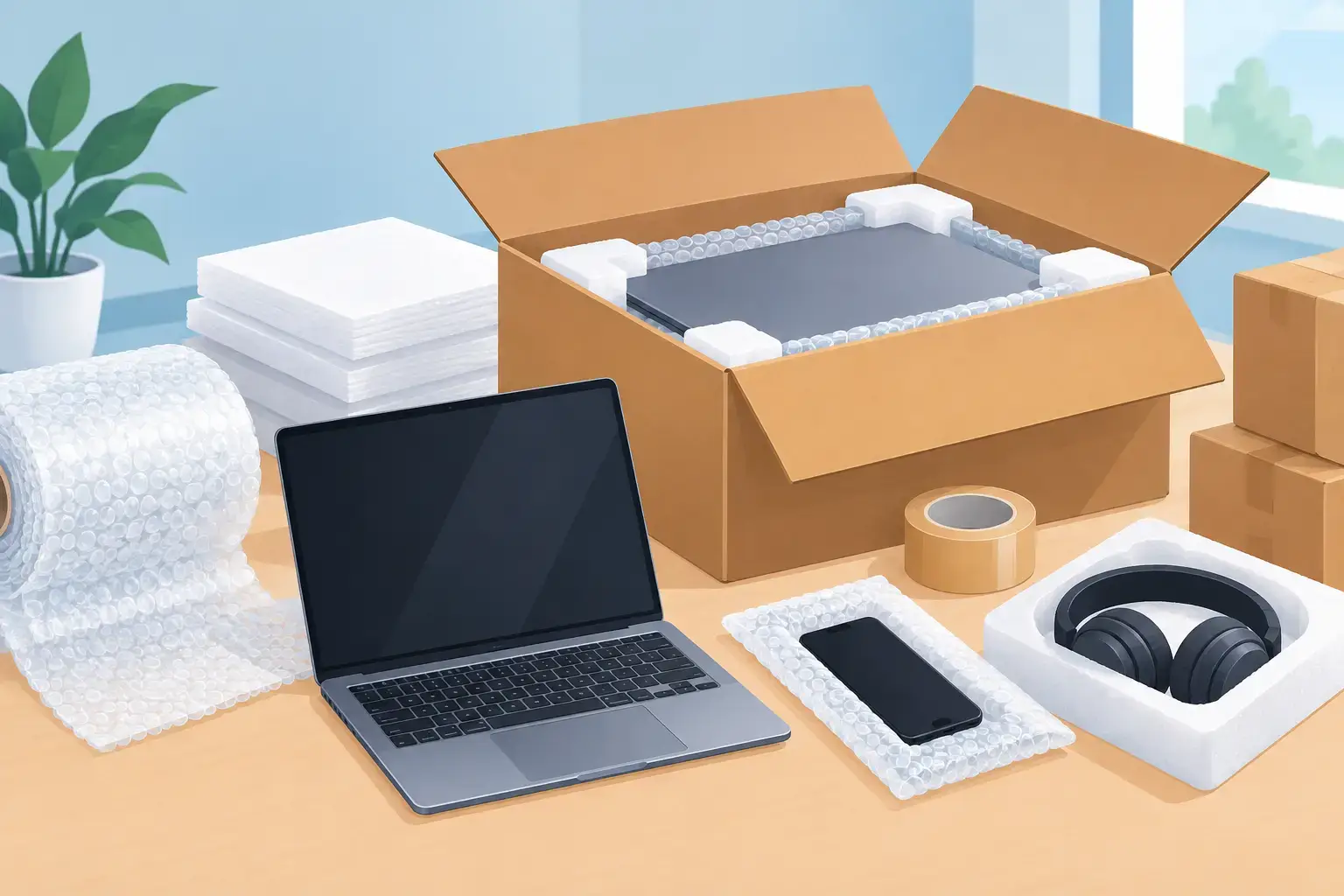
A cracked TV screen or a computer that will not power on can turn moving day into an expensive problem. The best packing materials for electronics do more than fill empty space in a box. They control movement, absorb impact, protect sensitive screens, and keep moisture and static electricity away from equipment that needs to arrive ready to use.
For a short apartment move in Fort Lauderdale or a long-distance relocation, electronics need a packing plan that fits the item. A small printer, a gaming console, and a 75-inch television may all be fragile, but they face different risks in transit. Start with the right materials, then use them in the right order.
What Electronics Need Protection From
Most electronics are damaged in one of four ways: impact, pressure, moisture, or loose components moving inside the device. A box can look full and still leave a laptop, monitor, or speaker vulnerable if it shifts when lifted or stacked.
South Florida moves bring an added concern: heat and humidity. Electronics should never sit uncovered near an open truck, a rainy loading area, or a damp storage surface. Packing materials must create a protective barrier without trapping moisture against the item for an extended period.
The goal is not to use the most material. It is to build a snug, layered package that keeps each item stable from the moment it leaves the shelf until it is placed in your new home or office.
The Best Packing Materials for Electronics
Original boxes and custom-fit inserts
If you still have the original box for a TV, desktop monitor, computer tower, or major appliance, use it. Manufacturers design these boxes and molded foam inserts around the item’s size, weight, and vulnerable areas. They are often the safest option for expensive displays and specialized equipment.
Original packaging is especially useful when moving a curved monitor, large television, or desktop computer with a glass side panel. Before reusing it, make sure the box is dry, structurally sound, and complete with its inserts. A crushed or water-damaged box is not worth trusting.
When original packaging is unavailable, use a new, double-wall moving box sized as close to the item as possible. Oversized boxes create too much room for movement and require excessive cushioning.
Anti-static bubble wrap for sensitive devices
Anti-static bubble wrap is one of the best choices for computers, laptops, gaming systems, hard drives, routers, and other sensitive electronics. Unlike standard bubble wrap, it is designed to reduce static buildup that can harm delicate internal components.
Wrap the item in two or three secure layers, placing the bubbles toward the outside. Avoid wrapping tape directly onto the device or its finish. Use packing tape only to secure the wrap to itself. For laptops and tablets, close the lid first and place a thin foam sheet or clean microfiber cloth between the keyboard and screen.
Standard bubble wrap can still protect less static-sensitive items such as speakers, chargers, remote controls, and cables. It provides excellent shock absorption, but it should not be the only protection around a screen or inside a large box.
Foam sheets and corner protectors for screens
Flat-screen TVs, monitors, tablets, and framed smart displays need protection from pressure as much as bumps. Soft foam sheets create a non-abrasive layer over the screen, while foam corner protectors reinforce the areas most likely to take an impact.
Cover the screen with a clean foam sheet first, then add corner protectors before wrapping the entire unit in bubble wrap. Never place a television flat in a moving truck. Keep it upright, secure it against a padded wall or other stable surface, and do not stack boxes against the screen.
For a large television, professional TV boxes and moving pads provide a safer setup than a household box. The cost of proper materials is small compared with replacing a damaged display.
Packing paper for gaps and accessories
Clean, unprinted packing paper is ideal for filling small gaps around wrapped electronics and separating accessories. It cushions without adding much weight, and it does not create the ink-transfer risk associated with newspaper.
Use crumpled paper in the bottom of the box, around the sides, and on top after the item is wrapped. The box should feel full but not tightly compressed. If the item can move when you gently shake the sealed box, add more paper or foam until it stays in place.
Packing paper is also useful for labeling and organizing. Wrap power cords separately, secure them with a twist tie or reusable strap, and label them by device. A simple label such as “Office monitor – power cord” saves time during unpacking.
Moving blankets and furniture pads for larger equipment
Moving blankets are essential for large electronics that are difficult to box, including big-screen TVs, floor speakers, printers, audio racks, and some commercial equipment. Thick padded blankets protect against scratches, vibration, and contact with other items during loading.
Use blankets as an outer layer, not as the only material between a sensitive screen and the truck. First protect screens with foam and bubble wrap, then add the moving blanket and secure it with stretch wrap or moving straps. Do not overtighten straps around screens, controls, or delicate corners.
Professional crews use padded moving blankets to build protection around items during transport. This approach is particularly helpful in condos with elevators, tight hallways, and long walks from the unit to the truck.
Plastic bins for cables and small accessories
A sturdy plastic bin with a locking lid is a practical choice for cables, remotes, chargers, adapters, and smaller peripherals. These items are easy to lose in a large moving box, and loose cords can scratch screens or get tangled around heavier equipment.
Keep cables dry and organized in labeled bags inside the bin. If a cable belongs to one specific device, place it in the same box as that device when possible. For office moves, label each bin by workstation, room, or employee to reduce downtime after delivery.
Materials and Methods to Avoid
Do not rely on blankets alone for a television, monitor, or computer. Blankets reduce surface damage, but they do not hold an item firmly in place inside a box. Avoid packing peanuts for heavy electronics as well. They can shift under weight and leave uneven support.
Trash bags are not a substitute for protective wrapping. They tear easily, offer no impact protection, and can hold condensation against equipment. If you use a plastic bag as a short-term moisture barrier, place it outside a foam or bubble-wrap layer and remove it promptly after arrival.
Avoid newspaper directly against screens and light-colored equipment. Ink can transfer, especially in humid conditions. Also skip damaged, thin grocery-store boxes. Electronics are dense, and weak cardboard can fail at the bottom when carried.
How to Pack Electronics Before the Movers Arrive
Back up computers and external drives before packing. Take a photo of cable connections behind TVs, routers, and desktop setups so reassembly is less stressful. Remove batteries from remotes and small devices when practical, and check manufacturer guidance for larger rechargeable batteries.
For computers, shut down fully rather than leaving the device in sleep mode. If you are moving a desktop tower with a heavy graphics card or other internal components, consult the manufacturer’s instructions or have a professional pack it. Heavy internal parts can shift and damage the motherboard during a bumpy ride.
Use this packing sequence for most electronics:
- Clean and power down the device, then remove detachable cords and accessories.
- Protect screens, corners, and exposed controls with foam sheets or padding.
- Wrap the item with anti-static or standard bubble wrap based on its sensitivity.
- Place it in a close-fitting box with cushioning on every side and no empty space.
- Seal and label the box “Fragile – Electronics – This Side Up.”
Keep boxes of electronics out of direct sun and away from water during the move. If you are moving during a South Florida rainstorm, ask for a loading plan that minimizes exposure between the building and truck.
When Professional Packing Is Worth It
Professional packing is a smart choice for large TVs, high-end computers, home theater systems, server equipment, medical devices, and office electronics that must be working quickly after the move. It is also helpful when you have limited time, no original boxes, or a building with challenging elevator and parking rules.
A trained moving crew can provide the right box sizes, screen protection, moving pads, and truck securement. For commercial moves, organized packing and labeling help protect equipment while keeping installation and reopening schedules on track. Vision Movers can tailor packing support to the electronics you own, whether you need help with one large TV or a full home or office relocation.
Your electronics should be among the first items you plan for and the last things you leave to chance. Pack them dry, snug, upright when required, and clearly labeled so they can make the move ready for the next connection.
Leave a Reply